Your First AI Image
A free, two-lesson start for complete beginners: make your first image, then create a photo-with-anime-character scene with a tool you choose.
Price
Free
Create an account with your email to unlock both lessons for free. No payment or special image tool is required. Follow-along videos will be added later.
Make one image first. Decide the next step after.
You do not need to study every model first. Pick one image tool you can access and finish one specific image.
Write prompts in the order of subject, action, place, style, and light so every generation has a clear starting point.
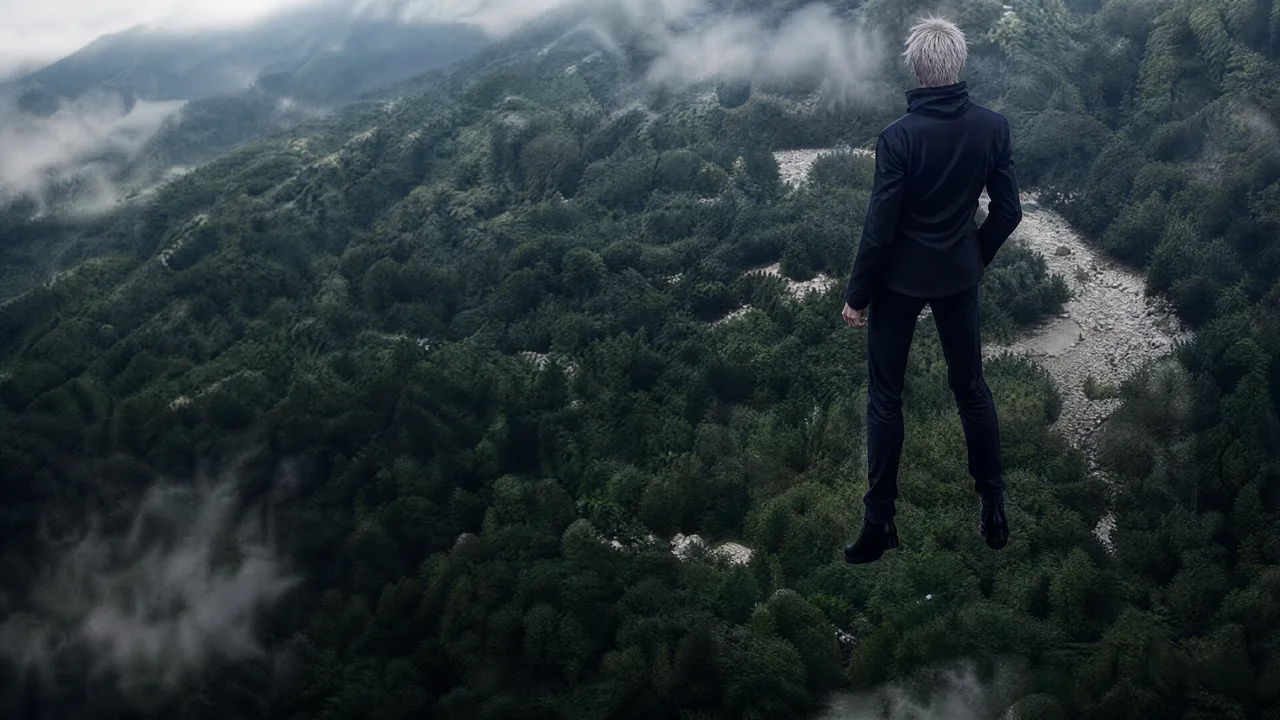
Place a personal photo and an anime character in one believable scene, then carry those basic image skills into Course 1.
Lessons in this class
Sign in with email to unlock both lessons for free.
2 units · 0h 50m
- 0130 min
- 0220 min
About this class
What you need
Prepare these before you start:
- 1A computer or phone with internet
- 2An email address for your course account
- 3A chat AI account, such as ChatGPT
- 4An image tool, such as Krea
- 5One photo you can use
- 6The patience to try something new — about 50 minutes
What you’ll learn
You will turn one rough idea into a real image on your screen. The course starts with written lessons and images. Follow-along videos will be added later, so you can watch each step and do it with the instructor.
- 1Explain a rough idea clearly and get a first prompt from a chat AI.
- 2Put the prompt into simple sections, so you can see the subject, scene, light, and style.
- 3Use the prompt in an image tool and make your first image.
- 4Find what needs fixing and change one thing at a time.
- 5Make a fun photo of you with an anime character.
What you’ll build
- 1One finished AI image that starts with your own idea
- 2A solid, reusable prompt template you can build on
- 3A fun photo of you with an anime character
FAQ
- Do I need to pay or choose a specific image tool?
- No. Both lessons are free after email sign-in. The lessons explain a process you can adapt to the tool available to you.
- Does this site generate the image or store my photo?
- No. This is a teaching course. You choose and use an external image tool yourself; do not upload private photos to a service unless you understand its terms and privacy settings.
Comments
Guest comments — no account needed. Posts are reviewed before they appear publicly; you can still see your pending comment on this device.
Loading comments…